Just say it
"Remind me tomorrow at 9 about the offer for Anna." That is all. No forms, no date picker, no fields to fill in.

The to do list you talk to. One sentence, spoken or typed, and Dot works out the day, the time and where it belongs on your list.

Free to start. Dot Go is $2.99 a month, if you ever want it.
Groceries 2
Work 1
Home 1
"Remind me tomorrow at 9 about the offer for Anna." That is all. No forms, no date picker, no fields to fill in.
Dot remembers so you do not have to. The reminder reaches your phone with Dot closed and the phone in another room, at the hour that actually matters.
Your list sorts itself into sections, with the most urgent thing on top. You never file anything, and nothing waits to be tidied up.
The background follows the real sun over your city, so one glance tells you how much day is left. Tasks outdoors get an umbrella when rain is coming.
Water the plants, stretch, read ten pages. A routine has days, not a deadline: a missed one simply passes, and nothing turns amber.
Pinch the list and it spreads out into a calendar. The week shows only the hours you actually use, and a block moves with your finger.
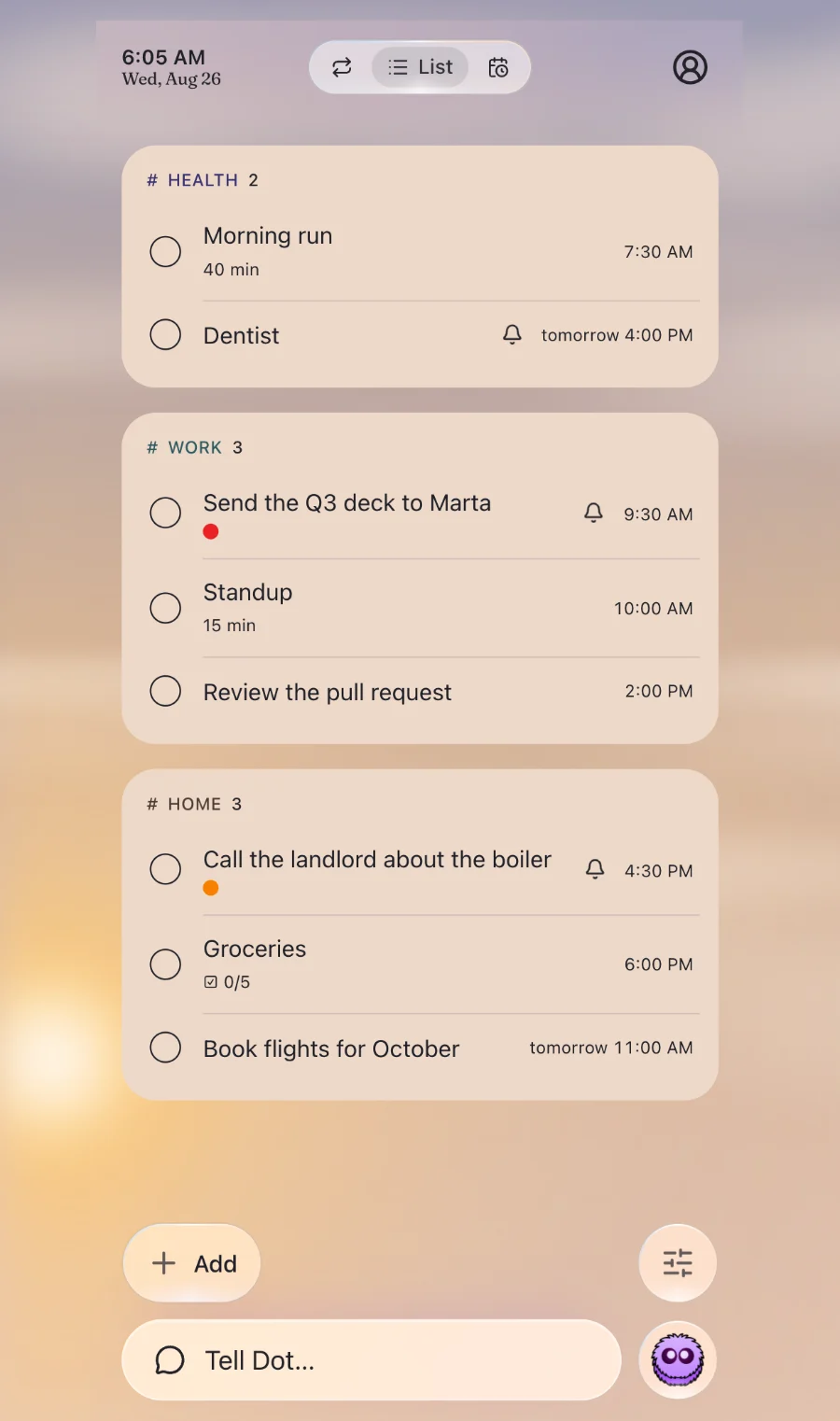
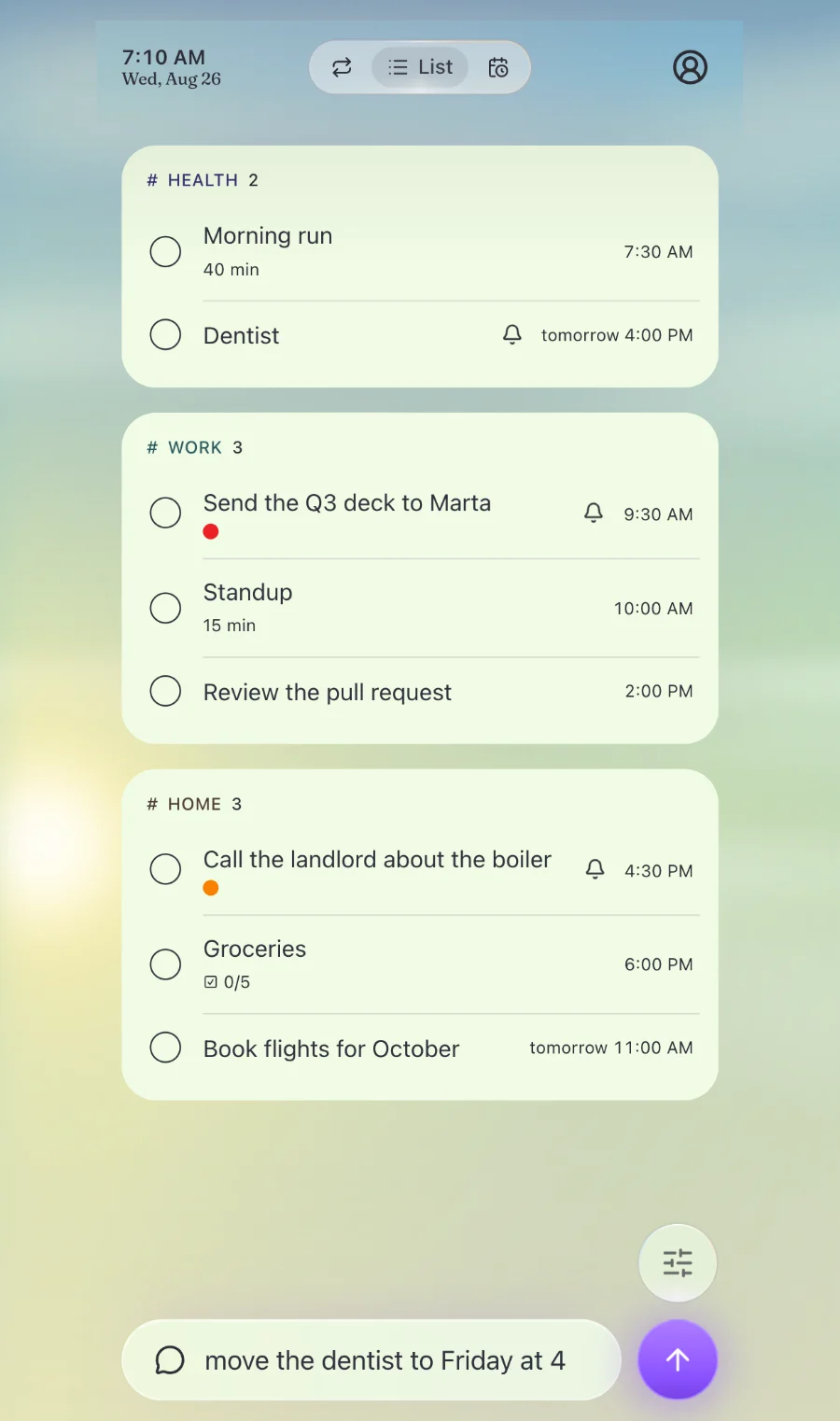
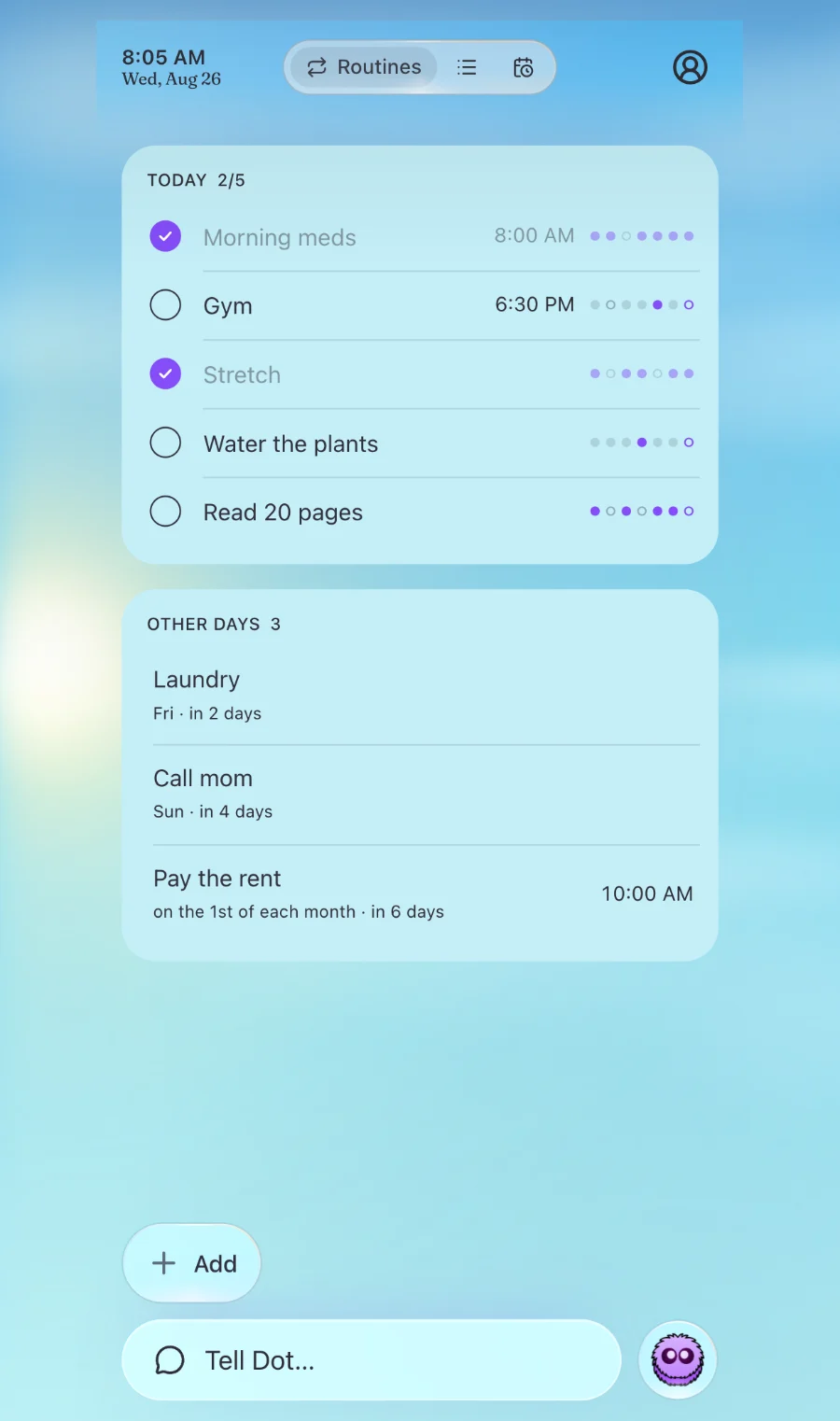
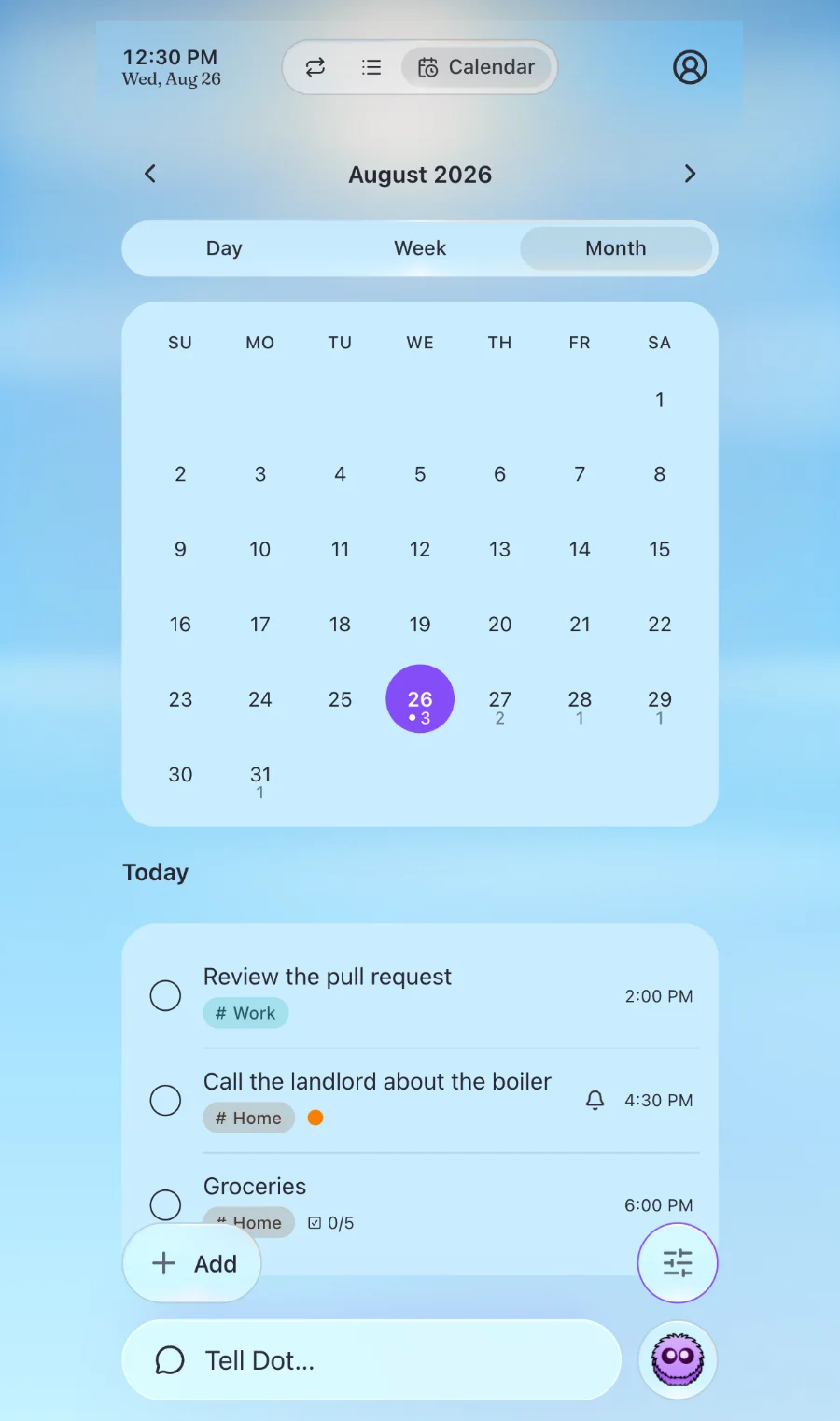
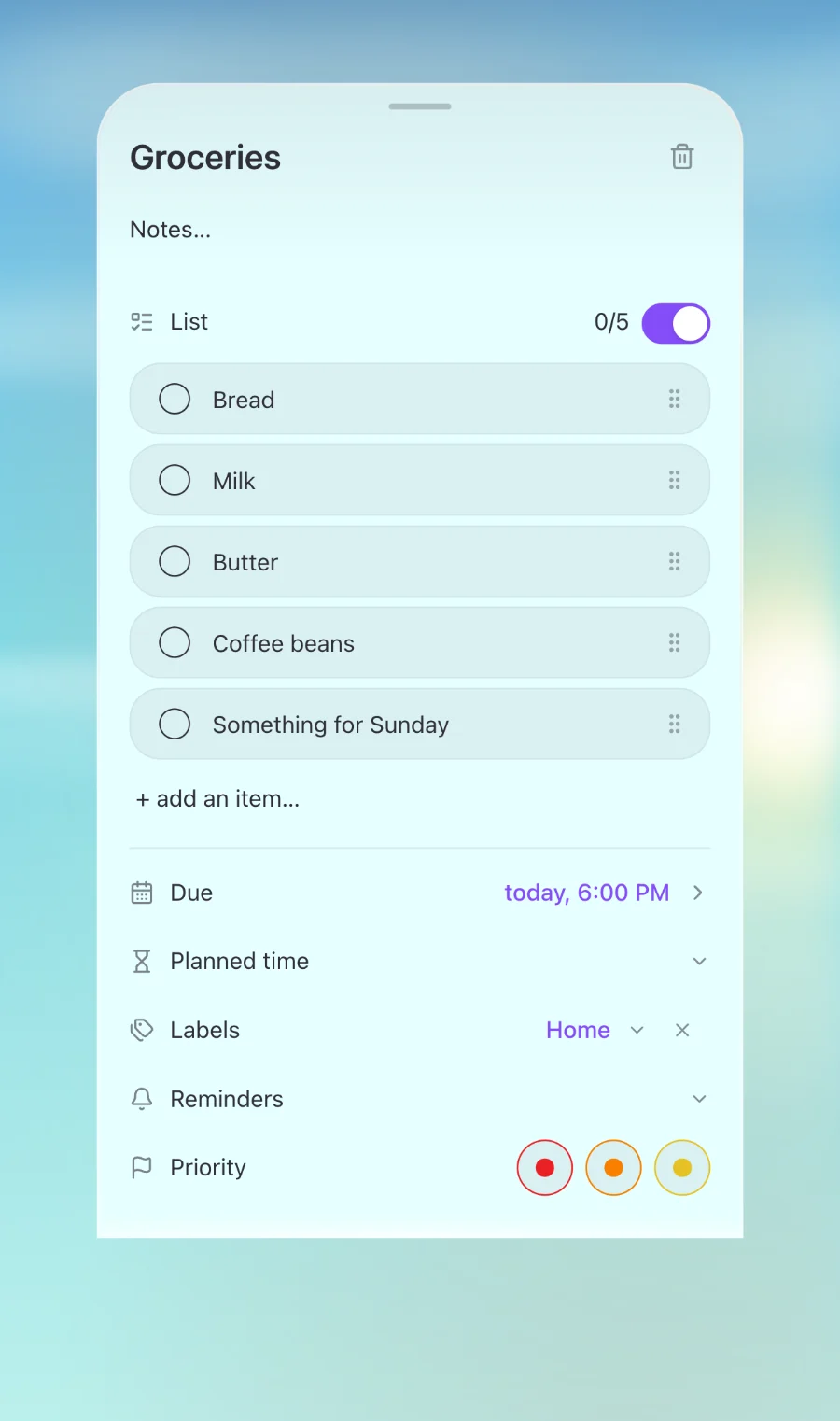
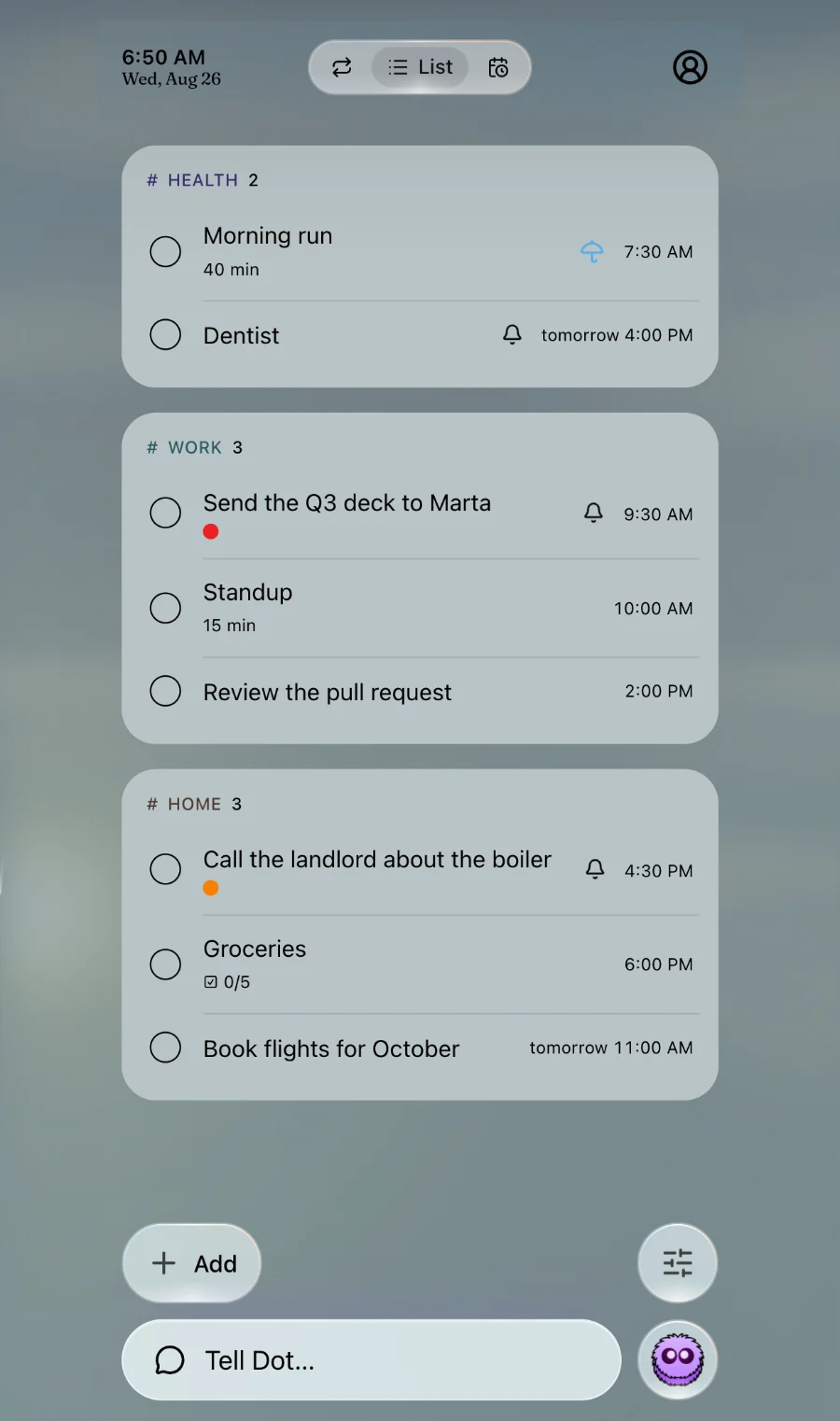
Half an hour before something is due, the countdown moves to the lock screen and the Dynamic Island. Finished early? Tick it off without unlocking the phone.
Sitting down to something? Set a timer on the task and the countdown keeps going on the lock screen, even with the phone lying face down.
Say what you have to do.
Eight languages, and in each one Dot understands the way people really talk about their day. Say it in yours, and Dot answers in yours.
The whole app: sections, routines, reminders, the widget and the lock screen. Room for fifty tasks, and three things you can ask Dot for every day.
Fifty asks a day and room for a thousand tasks. Everything else is already in Free, so this is only about how much you keep and how often you talk to Dot.
Cancel any time in the App Store. Outside the United States the Store shows your local price.
For now, yes: Dot lives on the iPhone, and a version for Android is on the way.
Yes. Dot takes your lists from Reminders in one go, and each list becomes a section on your new list.
What you say turns into text, and the text becomes a task on your list. Dot does not sell it and does not share it. You can take everything with you, or delete your account with everything in it, from inside the app.
Nothing stops. Adding, changing, ticking off and moving things by hand never counts against anything. Only asking with a sentence waits until tomorrow.
Only Go is, and nothing pushes you towards it. Free has every feature for as long as you want it, and what is free today stays free tomorrow.
No lists to name, no folders to build. The list starts itself.
Free on the App Store